What a posting assistant saves a creator
Published · 3 min read
Making the video is the work you chose. Uploading it four times is not: the same file to YouTube, TikTok, Instagram and Facebook, each with its own form, its own caption limit and its own settings — for every video.
This article counts those uploads in hours, with an example you can change, and is straight about what a posting assistant can and cannot do for a channel.
Film once. Post everywhere.Where the time goes
- Uploading the same file to each network, and waiting for each to process it.
- Rewriting the caption for each one: a YouTube title and description, a TikTok caption, an Instagram caption and hashtags.
- Setting each network’s options — YouTube privacy, TikTok audience — every time.
- Being there at the right moment to post, or posting when it suits you rather than your viewers.
Upload once, schedule ahead
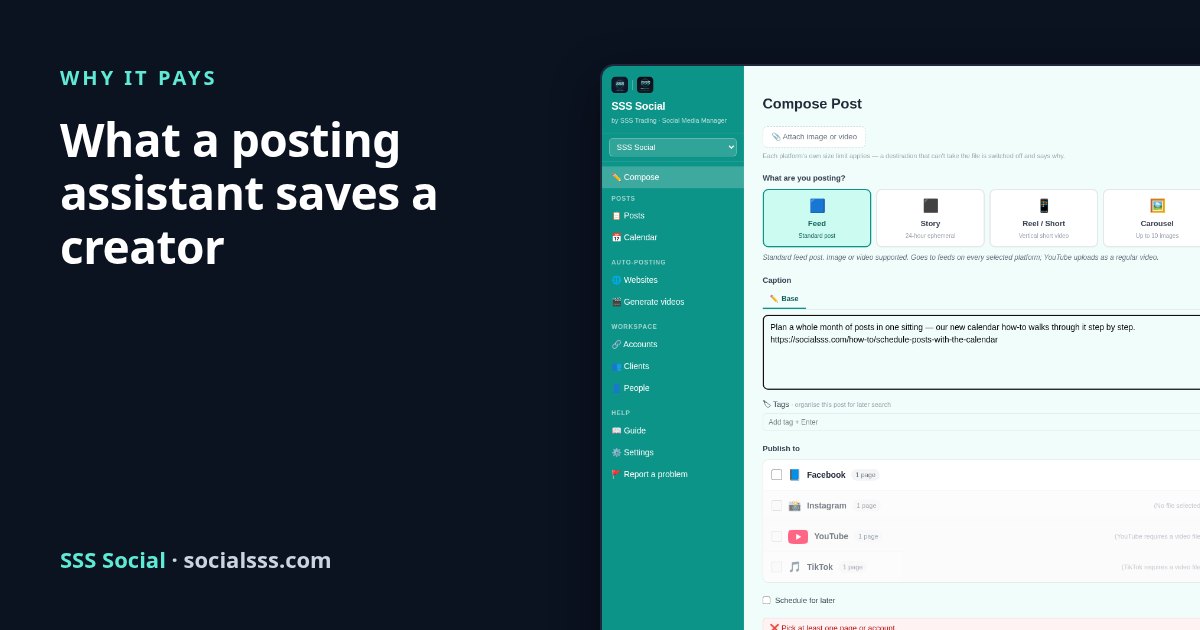
In SSS Social you attach the video once, write the caption, tick the four networks and pick a time. Each network’s rules — size, length, shape, caption — are checked before anything is sent. Film five videos on Sunday, schedule them across the week, and they go out while you make the next batch.
What it cannot do
It cannot get a channel monetized. YouTube, Facebook and the others decide that, and they reward original video that people choose to watch — YouTube does not monetize mass-produced or repetitive content. A posting assistant gives the time back; what you make with it is the part that grows a channel. To see how far a channel is from the YouTube Partner Program, use the free YouTube monetization checker.
A worked example
This is an example, not a measurement. The inputs are listed in full — open them in the calculator and change them to match how you work.
Example inputs: 4 posts a week, each to 4 networks, for 1 business; 10 minutes per post per network by hand; 5 minutes per post in SSS Social; no videos; an hour valued at $15. The videos are your own, so no video-making time is counted on either side.
- Posting by hand: 11 hours every 30 days
- With SSS Social: 1.4 hours every 30 days
- Time back: 10 hours every 30 days
- Worth, at that rate: $150 every 30 days
- Free ($0 for 30 days): not enough for this example.
- Pro ($8.00 for 30 days): the time back is worth about 18× the price — the package that fits.
- Max ($22.00 for 30 days): the time back is worth about 6× the price.
Open this example in the calculator
Questions and answers
Will this help my channel get monetized?
Not directly. The platforms decide monetization and reward original video. SSS Social saves the posting time — one upload to four networks, scheduled ahead — so more of your time goes into making videos.
Is ten minutes per upload realistic?
It is an example. Time a few of your own uploads, including captions and settings, and put your figure into the calculator.
Can I post the same video as a Short, a Reel and a TikTok?
Yes. A vertical video can go out to all four networks from one upload, with each network’s length and size rules checked before it is sent.
Try it free
Start free and send your next video everywhere in one upload.
Create your free account
SSS Social is operated by SSS Trading. Contact: admin@ssstrading.site