How-to articles
One task per article, from signing up to running several client brands — each with the steps, pictures of the real product, tips and answers to common questions.
Prefer pictures with numbered markers? Read the illustrated guide.
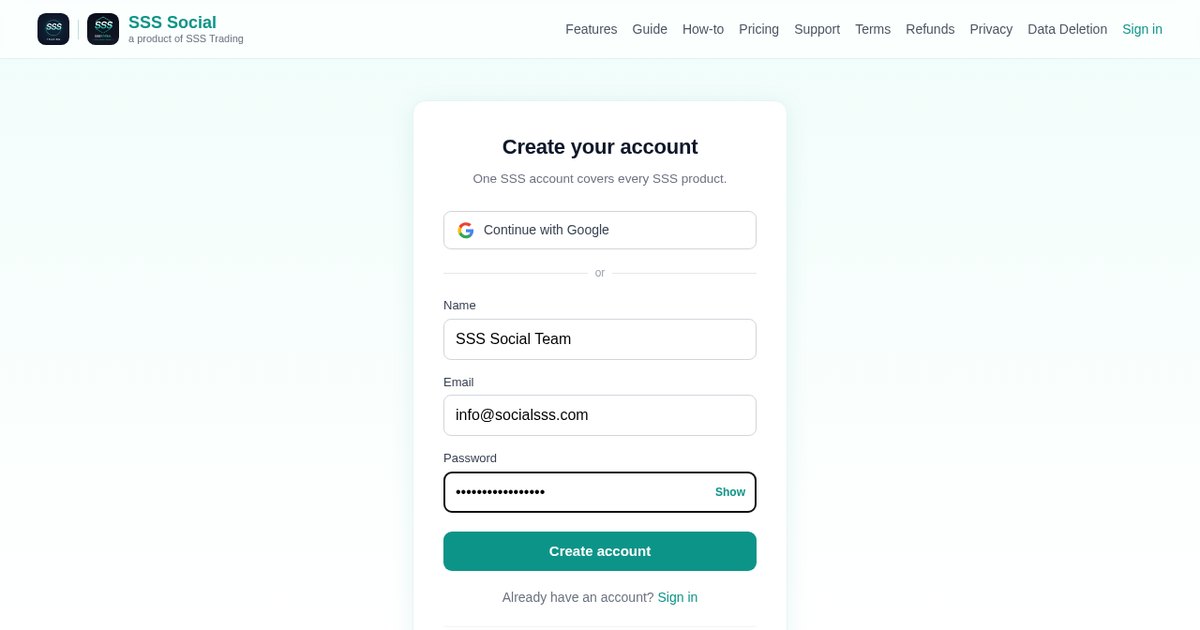
How to create an SSS Social account and your first workspace
01 · 4 min read
Sign up for SSS Social with email or Google, get your first workspace automatically, add one per brand and invite your team — step by step.
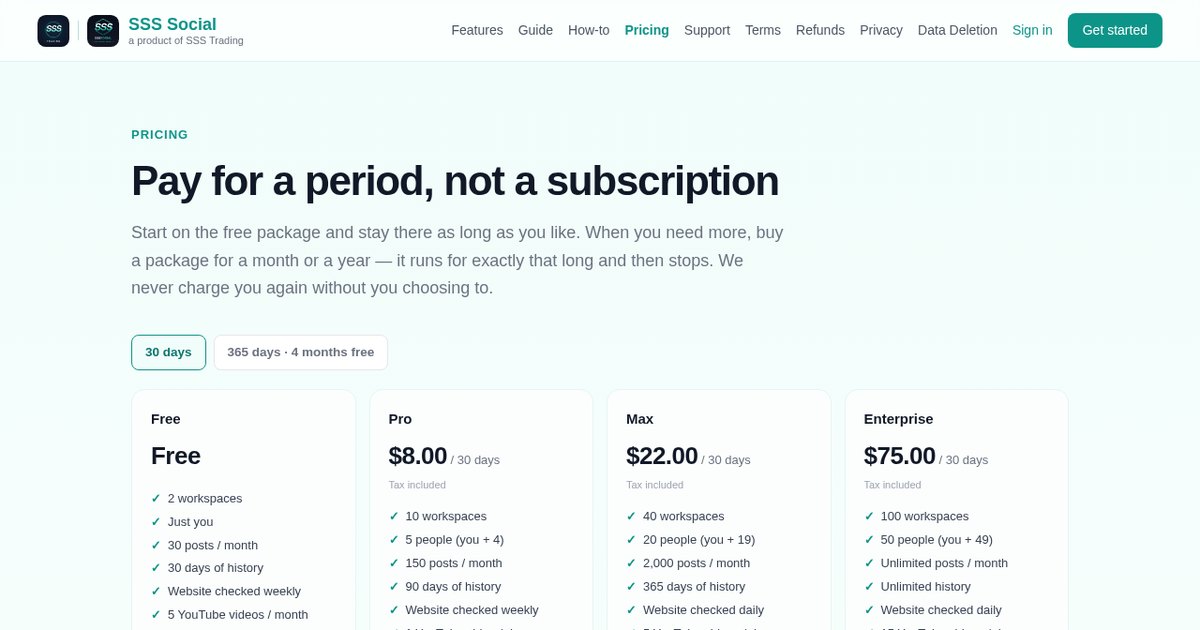
How to choose an SSS Social package — and start for free
02 · 4 min read
Start free, then buy a package for a fixed 30 or 365 days when you need more posts, teammates or videos. It never auto-renews. Here is how to choose.
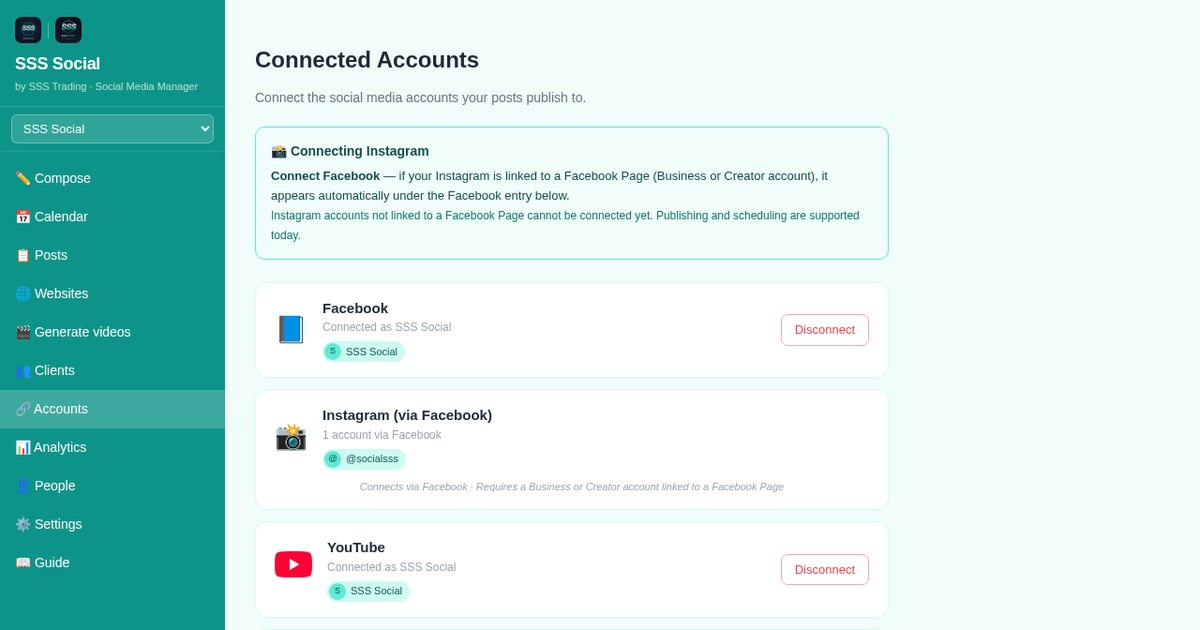
How to connect Facebook, Instagram, TikTok and YouTube to SSS Social
03 · 3 min read
Connect a Facebook Page, an Instagram Business or Creator account, TikTok and YouTube to SSS Social — you approve on each platform, never sharing a password.
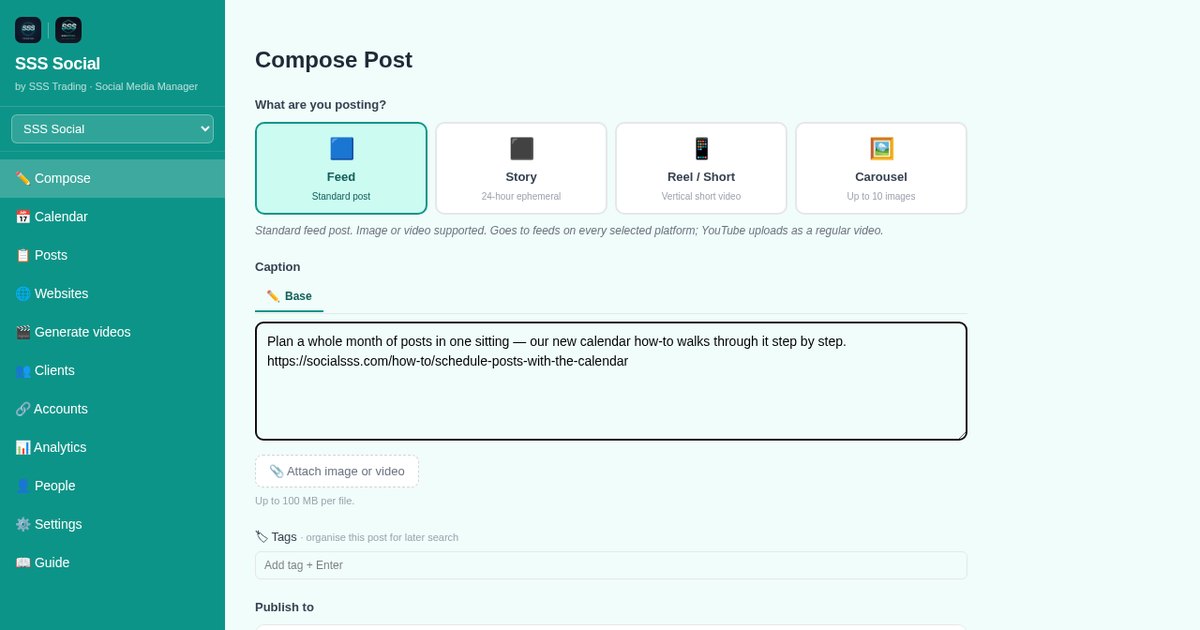
How to publish one post to Facebook, Instagram, TikTok and YouTube at once
04 · 3 min read
Write a post once in SSS Social, pick your accounts, adjust the wording per platform and publish now or later — each account reports its own result.
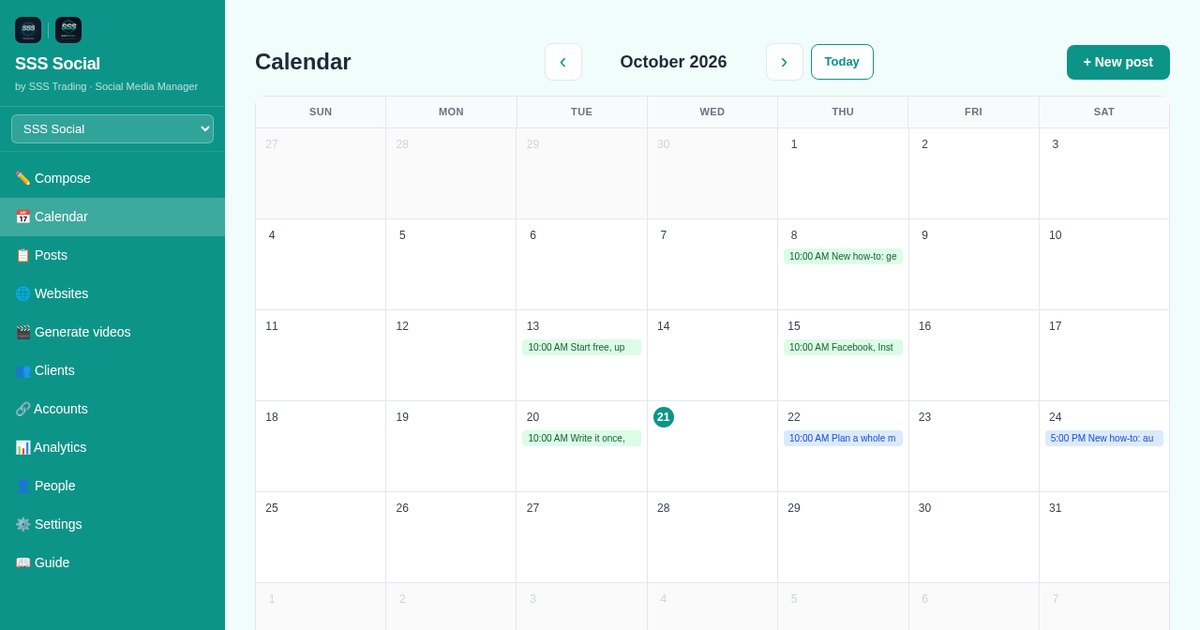
How to schedule social media posts with a calendar in SSS Social
05 · 3 min read
Schedule posts for any date and time, see the month at a glance, edit or cancel before they go out, and let temporary failures retry automatically.
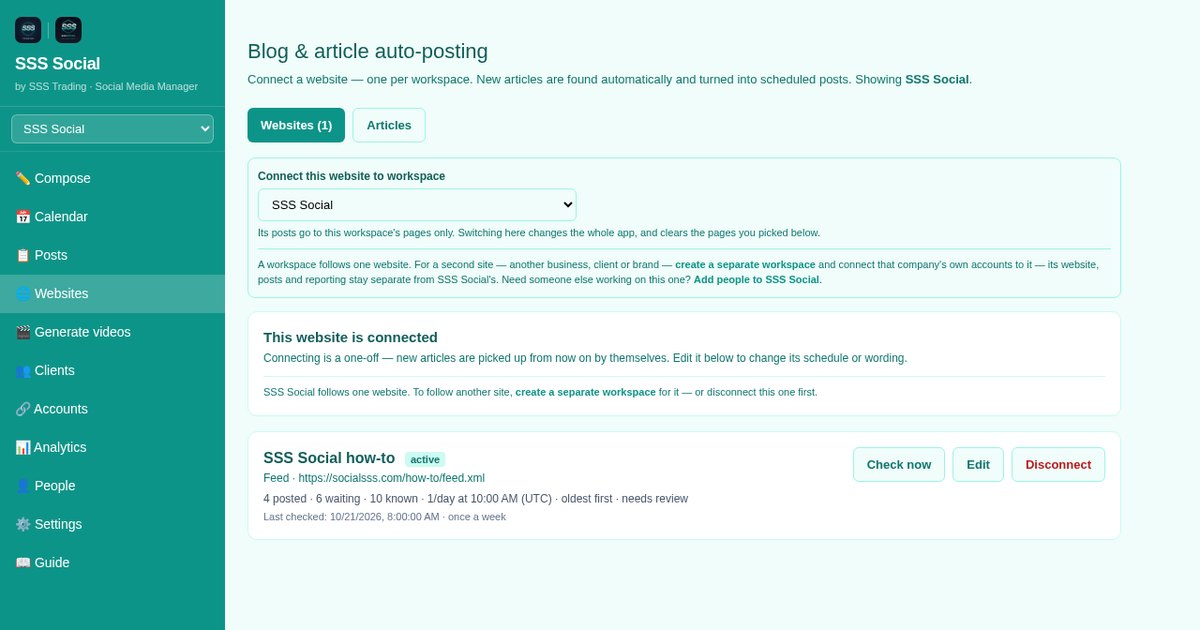
How to auto-post your blog articles to Facebook, Instagram, TikTok and YouTube
06 · 4 min read
Connect your website to SSS Social and every new article becomes a social post with its picture and a link — and, if you like, a short video.
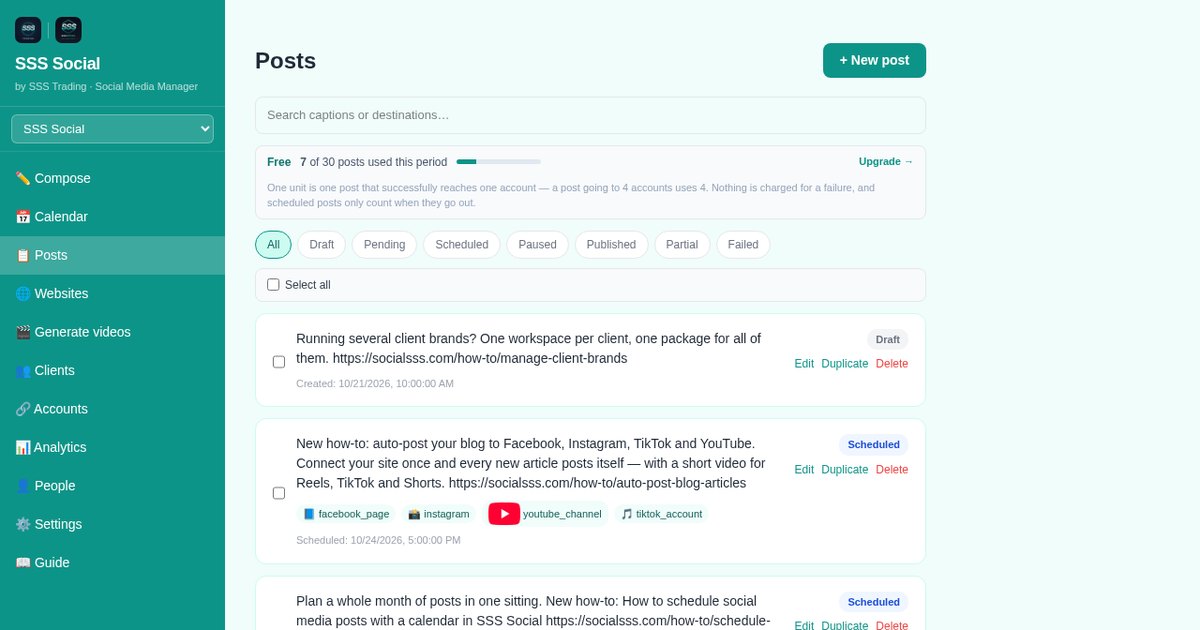
How to auto-post your online shop’s products to social media
07 · 3 min read
Connect your online shop to SSS Social and each product is posted with its photos and price on your schedule — and anything sold out is paused.
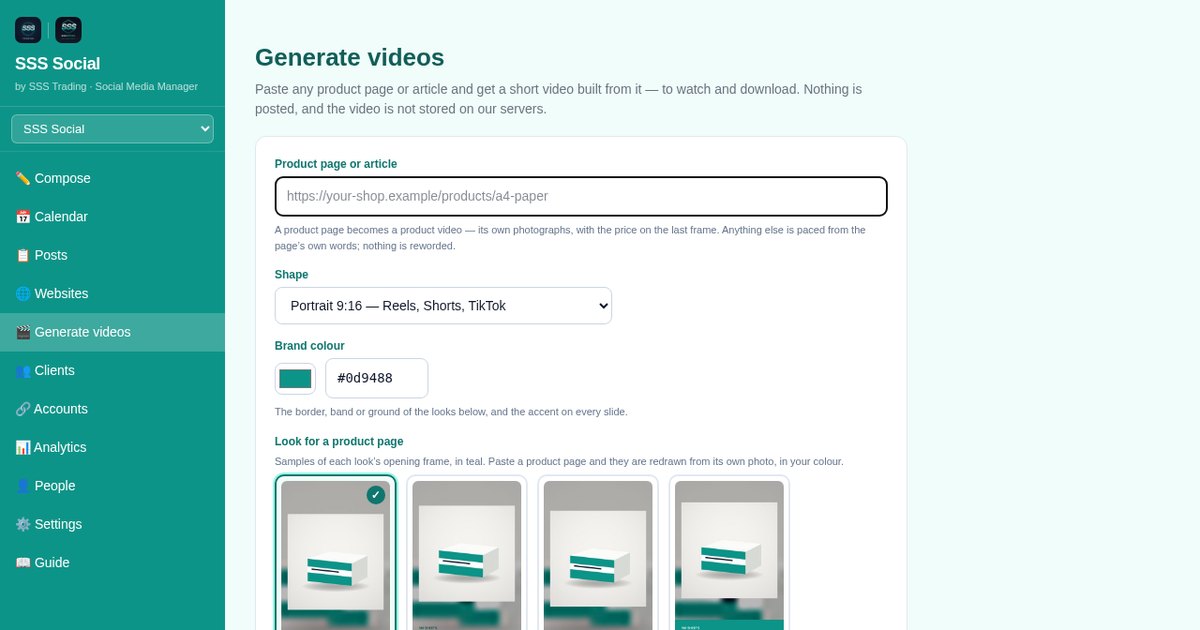
How to turn an article or product page into a short video
08 · 3 min read
Paste an article or product link into SSS Social, choose shape, length, look, colour and music, then watch and download a ready-made social video.
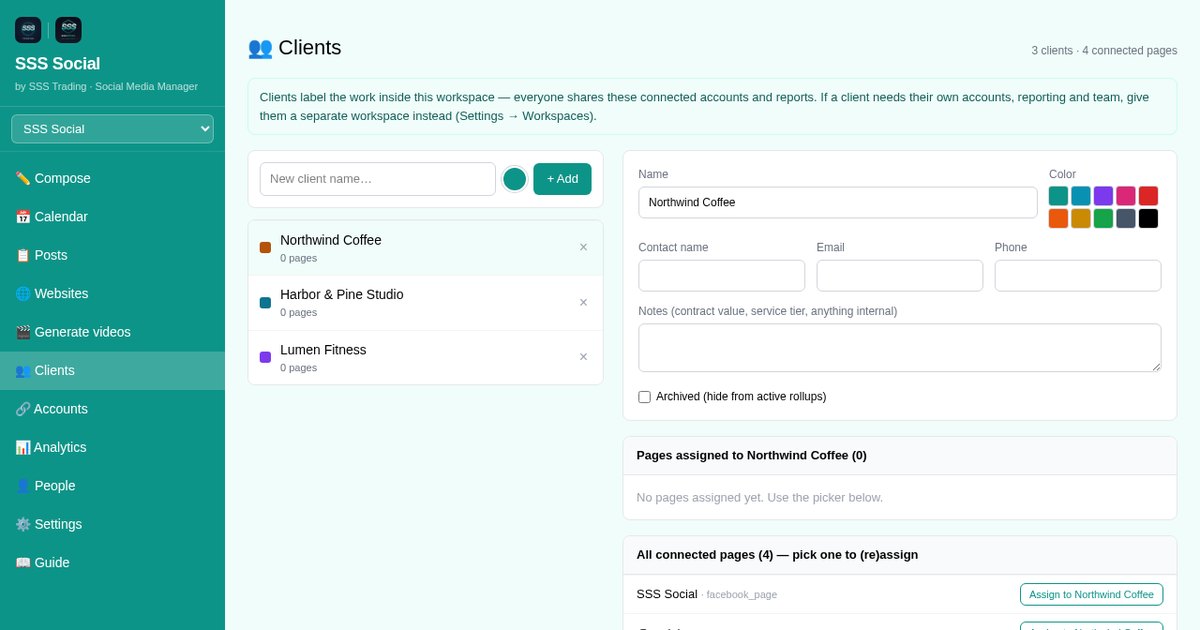
How to manage several client brands in SSS Social as an agency
09 · 3 min read
Give each client its own SSS Social workspace, label accounts by client, bring in your team with approvals, and cover every client with one package.
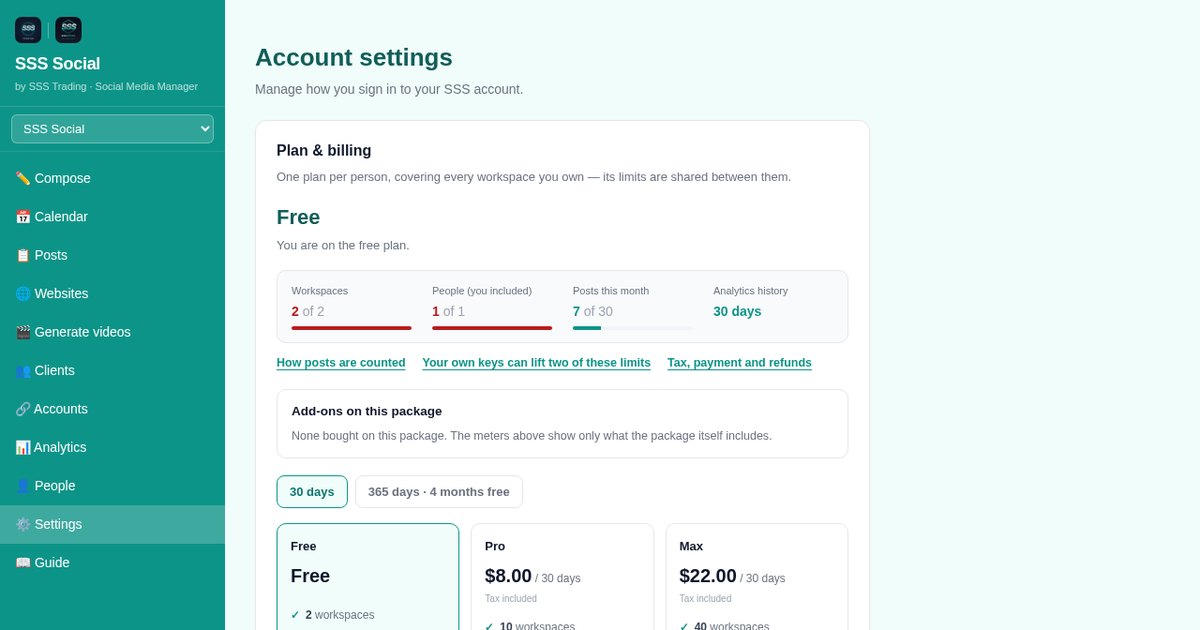
How to manage your SSS Social account, billing and posting analytics
10 · 3 min read
Change your password, check your package and usage, add your own AI or YouTube keys, read your posting record in Analytics, and reach a person for help.
Ready to try it?
Start on the free package — no card needed. Every article above works on it, and each one says where a step needs a paid package or an add-on.
Create your free account
SSS Social is operated by SSS Trading. Contact: admin@ssstrading.site